
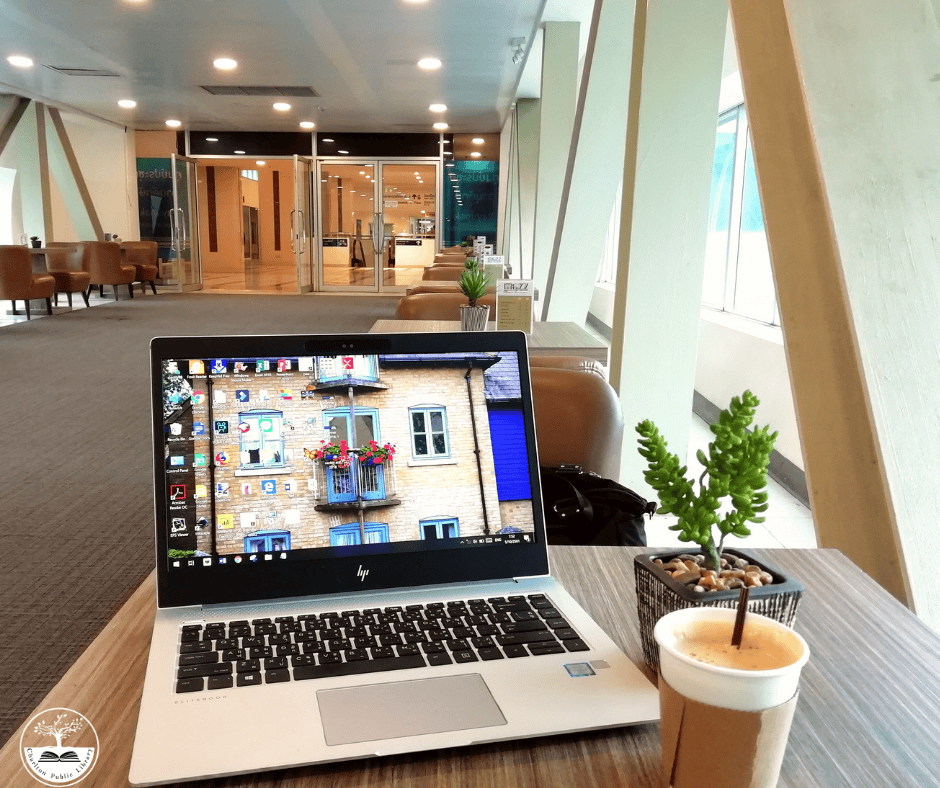
a laptop, iced coffee, and small potted plant on a table in a modern lounge area with large windows and seating in the background.

Drop-In Tech Help

Do you have a few quick questions about technology? Would you like to learn how to use apps like Libby or Kanopy? Drop in and speak with Charlton Library’s Digital Skill Instructor and get the dedicated support you need. If you will need more than 15 minutes of tech help, please make a one-on-one appointment in person at the Library, online, or by calling 508-248-0452.  
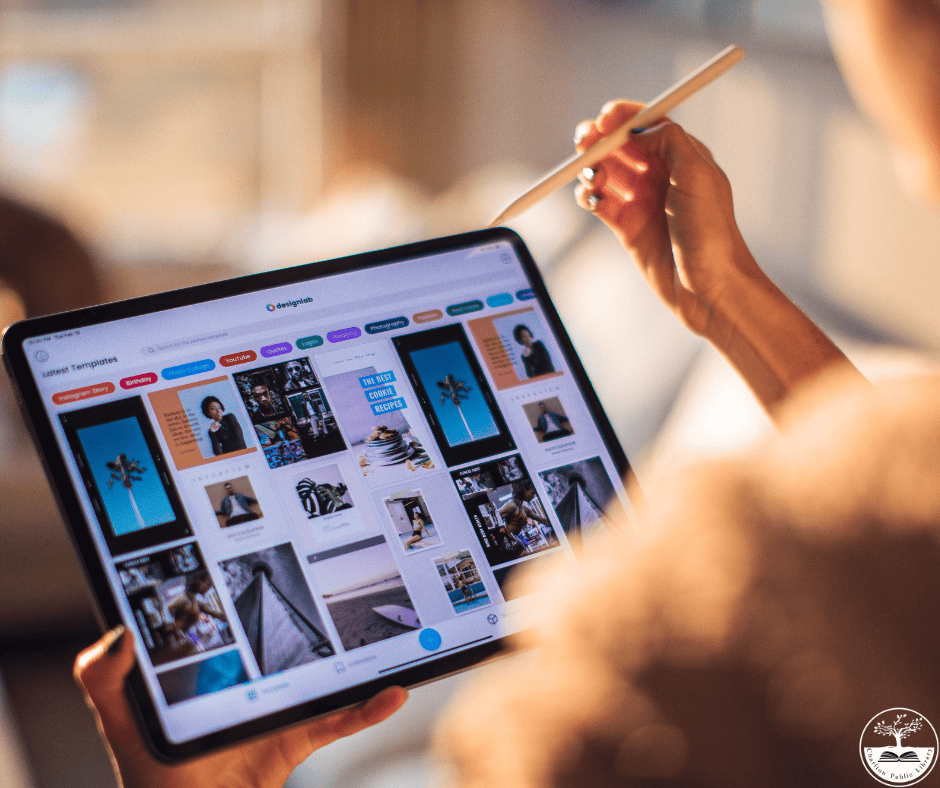
a person uses a stylus to browse photo galleries on a tablet, which displays a grid of various images and graphic designs.

One-On-One Tech Help

Do you have a more complicated question than we can cover during Drop-in Tech Help? Would you like to learn some basic email or internet skills? Make a one-on-one appointment with the Charlton Library’s Digital Skills Instructor and get 60 minutes of dedicated support. Please make a one-on-one appointment in person at the Library, online, or by calling 508-248-0452.

 We cannot assist with:

  • Setting up a new device
  • Fixing/Restoring/Repairing a broken or infected device, app, or email account
  • Entering sensitive information for you (e.g. credit card information, social security number, online banking, etc.)
  • Keyboarding, typing, or proofreading documents
  • Cannot provide medical, legal, and business advice or opinions

three images of people collaborating in office settings: two using a laptop, three working at desktop computers, and two reviewing a tablet together.

Introduction to Technology Series – Each course will be held twice for increased availability. This series was funded by the Massachusetts Broadband Institute at the MassTech Collaborative under the Municipal Digital Equity Implementation Program. Funding was provided by Massachusetts ARPA State Fiscal Recovery Funds.

I

Tidying Up Your Gmail– Local History Room – Registration Required
Tuesday, January 13 from 6:00- 7:00 pm OR Saturday, January 17 from 1:30-2:30 pm
Is your inbox overflowing with unread messages, promotions, and clutter? Join us for this beginner-friendly workshop on tidying up your Gmail! You’ll learn simple, practical tools to organize your inbox, delete unwanted emails in bulk, unsubscribe from mailing lists, create folders and filters, and take control of your email once and for all. Whether you’re aiming for “Inbox Zero” or just want to find important messages faster, this session will help you feel more confident and organized online.

Safari, Google, and ChatGPT – Community Meeting Room – Registration Required
Wednesday, January 14 from 12:30-2:00 pm
This class covers Safari, the internet browser native to Apple products. We uncover the ways Safari can help with searching for information, including using Google and bookmarking important sites, and how AI applications like ChatGPT can assist with everyday tasks like writing emails, exploring different topics, and doing research.

Intro to Qello Concerts & Classica– Local History Room – Registration Required
Tuesday, January 20 from 6:00- 7:00 pm OR Saturday, January 24 from 1:30-2:30 pm

Qello Concerts is a streaming service that brings the live concert experience to your screen. Featuring full-length concerts and music documentaries from legendary artists and today’s top performers, Qello offers an extensive collection across every genre—from rock, pop, and jazz to classical and country. With high-quality recordings and exclusive behind-the-scenes footage, Qello Concerts lets music lovers relive iconic performances and discover new favorites anytime, anywhere.

Classica is a premium streaming service dedicated to the world of classical music, opera, and ballet. It offers audiences access to stunning performances from renowned concert halls, opera houses, and festivals around the globe. With expertly produced recordings, behind-the-scenes documentaries, and exclusive artist interviews, Classica provides an immersive experience for both lifelong classical music enthusiasts and newcomers alike. Whether you’re enjoying a full-length symphony, an iconic opera, or a breathtaking ballet, Classica brings the beauty and emotion of the performing arts directly to your screen.

Intro to Universal Class – Local History Room – Registration Required
Tuesday, January 27 from 6:00-7:00 pm OR Saturday, January 31 from 1:30-2:30 pm
In this class, participants will learn how to set up a free account and navigate Universal Class learning platform. Please note: This platform is only free to Charlton residents with a Charlton Library card. Universal Class is an online education experience offering over 540 courses in subjects like Entrepreneurship, Home and Garden Care, Computers and Technology, Health and Medicine, homeschooling, Job Assistance, Law, and many more. It offers a wide variety of step-by-step video classes taught by expert instructors. Whether you are looking to make a career change or pick up a new hobby, Universal Class can help, all from the comfort of your home.

Personalizing Your Device – Charlton Senior Center – Registration Required
Wednesday, January 28 from 10:30-11:30 am
In this class, participants will learn how to set up a free account and navigate Universal Class learning platform. Please note: This platform is only free to Charlton residents with a Charlton Library card. Universal Class is an online education experience offering over 540 courses in subjects like Entrepreneurship, Home and Garden Care, Computers and Technology, Health and Medicine, homeschooling, Job Assistance, Law, and many more. It offers a wide variety of step-by-step video classes taught by expert instructors. Whether you are looking to make a career change or pick up a new hobby, Universal Class can help, all from the comfort of your home.

Back to Basics: An Intro to Smartphones and Tablets – Community Meeting Room – Registration Required
Wednesday, January 28 from 12:30-1:30 pm
This introductory class introduces new users to the basics of using the iPhone and iPad. It will cover the hardware of the iPhone and iPad, important areas of the devices, and accessing common tools like the flashlight, alarm, and camera.

AI for Seniors – Dexter Hall – Registration Required
Wednesday, February 4 from 1:00-3:00 pm
Robots, smart assistants and magic-sounding tech—oh my! If you’ve ever wondered what AI actually is (and what it isn’t), this fun, no-pressure class is for you. Explore how artificial intelligence shows up in everyday life, how to use it to make things easier, and why it’s not just for the younger crowd. Come with questions, leave with confidence!

iPhone Essentials: Find My, Wallet, and Translate – Dexter Hall – Registration Required
Friday, February 13 from 10:30-11:30 am
This class covers a variety of tools and features built into the iPhone and iPad. We learn to share our locations with our friends and family, make safe, secure payments with our phones, and converse in different languages using the Translate app.

Personalizing Your Device: Widgets and Apps – Dexter Hall – Registration Required
Friday, February 13 from 12:30-1:30 pm
In this class, we learn to add helpful widgets to our Home Screens, choose which apps can send us notifications, and further explore options for customizing our wallpapers and Lock Screens.

Staying in Touch Using Phone, Messages, and FaceTime – Dexter Hall – Registration Required
Friday, February 20 from 10:30-11:30 am
This class focuses on using the iPhone and iPad to stay in touch with friends and loved ones. We learn about sending texts in Messages, managing contacts in Phone, and setting up video calls in FaceTime. We also learn to use Siri to make calls and send messages.

Apple Watch for Beginners – Dexter Hall – Registration Required
Friday, February 20 from 12:30-1:30 pm
This class will teach attendees about the Apple Watch’s hardware, including its speakers, screen, and buttons, as well as the basics of navigating the Apple Watch and using its apps for messaging, making and answering calls, and other important functions.

Using the iPhone for Health and Emergencies – Dexter Hall – Registration Required
Friday, February 27 from 10:30-11:30 am
In this class, we explore how the iPhone can help in different emergency situations and offer insight into our health. We learn how to set up emergency contacts, use the SOS feature, turn on voice activation, and use the Health app to find patterns and changes in our physical health.

Using YouTube, Netflix, and Other Streaming Services – Dexter Hall – Registration Required
Friday, February 27 from 12:30-1:30 pm
Netflix and YouTube are among many services that allow you to “stream” movies, TV shows, and videos. They offer engaging options and offer an exciting alternative—or addition—to regular cable TV. This class teaches participants how these services work and how users can find interesting content to enjoy.

Navigating the Settings on iPhone and iPad— Dexter Hall – registration required
Friday, March 13, 10:30—11:30 AM
In this class, we explore the Settings app, examining ways to adjust our devices to suit our individual needs. We learn to access important information about our devices, update the software, and customize important features like Do Not Disturb, Face ID, and notifications.

Introduction to Instagram – Dexter Hall – registration required
Friday, March 13, 12:30—1:30 PM
Instagram is one of the world’s most popular applications for viewing and sharing photos and videos. Users can create, edit, and post their own content, as well as view posts from online content creators. This class teaches participants to navigate Instagram and share their own photos and videos with others.

Setting Up and Managing Email – Community Meeting Room – Registration Required
Friday, March 20, 10:30—11:30 AM
In this class, attendees learn about the basics of email and the Apple Mail app. We explore the Mail app to learn about sending/reading emails, checking your inbox, and clearing junk and archive folders.

The Photos App on iPhone: A Deep Dive – Community Meeting Room – Registration Required
Friday, March 20, 12:30—1:30 PM
This class explores all the available features on the iPhone’s Photos app, including using Favorites and albums to organize photos, sharing photos with friends and family, and creating short compilations of photos and videos.

Taking & Organizing Photos – Dexter Hall – registration required
Friday, March 27, 10:30—11:30 AM
In this class, we dive into the Camera app on the iPhone, exploring different features of the camera and adjustments that can be made for taking pictures in different settings. We also go into Photos and discuss organizing photos into Favorites and Albums.

Introduction to Editing Photos on the iPhone-Dexter Hall – registration required
Friday, March 27, 12:30—1:30 PM
This class explores the features available in the iPhone for editing photos. We discuss different ways to organize our photos, then select a photo to practice editing with. We learn about filters, adjusting colors and lighting, and cropping/resizing our photos.

logo of the massachusetts broadband institute at the masstech collaborative, featuring blue geometric shapes and the institute's name in bold and standard fonts.

This project was funded by the Massachusetts Broadband Institute at the MassTech Collaborative under the Municipal Digital Equity Implementation Program. Funding was provided by Massachusetts ARPA State Fiscal Recovery Funds.