Drop-In Tech Help
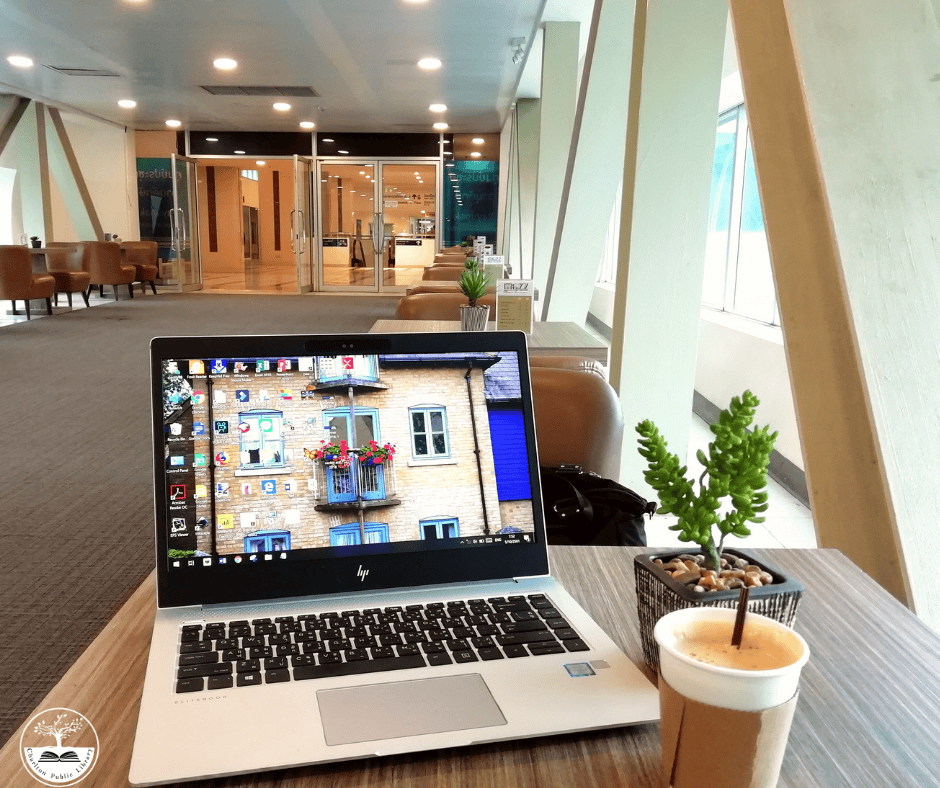
Do you have a few quick questions about technology? Would you like to learn how to use apps like Libby or Kanopy? Drop in and get the dedicated support you need. If you will need more than 15 minutes of tech help, please make a one-on-one appointment in person at the Library, online, or by calling 508-248-0452.
One-On-One Tech Help
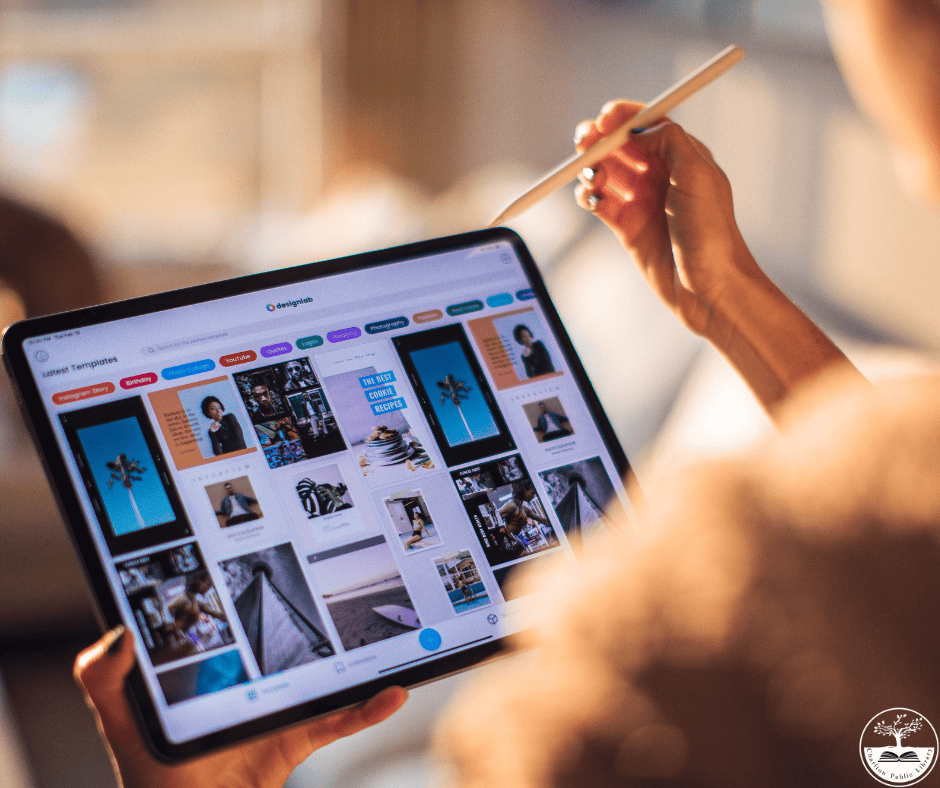
Do you have a more complicated question than we can cover during Drop-in Tech Help? Would you like to learn some basic email or internet skills? Make a one-on-one appointment and get 60 minutes of dedicated support. Please make a one-on-one appointment in person at the Library, online, or by calling 508-248-0452.
We cannot assist with:
- Setting up a new device
- Fixing/Restoring/Repairing a broken or infected device, app, or email account
- Entering sensitive information for you (e.g. credit card information, social security number, online banking, etc.)
- Keyboarding, typing, or proofreading documents
- Cannot provide medical, legal, and business advice or opinions

I
Drop-in Tech Help – Local History Room – No registration required
Wednesdays, September 6, 30 from 9:30 am to Noon
Thursdays, September 17, 24 from 9:30 am to Noon
Saturdays, September 12, 19, 26 from 9:30 am to 12:15 pm
Do you have a few quick questions about technology? Would you like to learn how to use apps like Libby or Kanopy? Drop in and get the specific support you need. If you will need more than 15 minutes of tech help, please make a one-on-one appointment.
One-on-One Tech Help – Local History Room – Registration required
Saturdays, September 12, 19, 26 at 12:30 pm or 1:30 pm
Do you have a more complicated question than we can cover during Drop-in Tech Help? Would you like to learn some basic email or internet skills? Make a one-on-one appointment and get up to 60 minutes of dedicated support..
*We cannot assist with setting up a new device; fixing/restoring/repairing a broken or infected device, app, or email account; entering sensitive information for you (e.g., credit card information, social security number, online banking, etc.); keyboarding, typing, or proofreading documents. We cannot provide medical, legal, or business advice or opinions.
Podcast at a Glance
Monday, September 14, 10:30 am to Noon – Local History Room – registration required
Podcasts are an increasingly popular form of entertainment and a great source of information on all kinds of topics. In this lecture, you’ll learn more about these audio programs available on the internet: why people listen to them, where you can find them, and what the most popular ones are. This is for people ages 60 and up. This Senior Planet from AARP class is being offered through the Senior Planet licensing program.
Saturday, September 19, 11:30-2:30 pm – Community Meeting Room – registration appreciated
Quickly design and set up a website without needing to be too technically proficient. With the availability of professionally produced templates, design elements with simple drag and drop, and the ability to easily add and modify both text and pictures it’s easy to create a website! A very complete handout will be distributed in class. It contains lots of information and will greatly simplify the process of understanding what’s being taught. Registration is appreciated. This class is for adults ages 18 and up.
Monday, September 21, 10:30 am to Noon – Dexter Hall – registration required
It’s estimated that over 70 million people in the US listen to podcasts monthly. This hands-on workshop provides a general introduction to this popular form of entertainment. You’ll learn how to search for podcasts, listen, and share popular audio shows using the Podbean app. This is for people ages 60 and up. This Senior Planet from AARP class is being offered through the Senior Planet licensing program.
Saturday, September 26, 11:00-12:30 pm – Community Meeting Room – registration required
Join us today to learn about Microsoft Word! We’ll start at the very beginning and walk you through all the basics like:
- Opening, editing, and saving a file
- Changing text style (font, color, size, etc.)
- Keyboard shortcuts
- Inserting an image, link, or non-standard text/symbols
- Adding a comment
- Finding text in a document
- Using numbering and bullets
Stay and join us for a follow-up class at 1 pm to learn more advanced Microsoft Word skills.
Learn Microsoft Word Advanced Skills
Saturday, September 26, 1:00-2:30 pm – Community Meeting Room – registration required
Join us today to learn some advanced skills to use in Microsoft Word! We’ll cover:
- Advanced formatting
- Image formatting
- Tables
- Mail merge
- Tracking changes
- Using links and bookmarks within a file
Monday, September 28, 10:30 am to Noon – Local History Room – registration required
Spotify is a great digital music service for enjoying millions of songs, podcasts, and videos for free! In this lecture, you’ll learn about Spotify’s important features, including how to search for songs and create your own playlists. You’ll also learn how to follow your friends and the artists you love. This is for people ages 60 and up. This Senior Planet from AARP class is being offered through the Senior Planet licensing program.
This project was funded by the Massachusetts Broadband Institute at the MassTech Collaborative under the Municipal Digital Equity Implementation Program. Funding was provided by Massachusetts ARPA State Fiscal Recovery Funds.
